
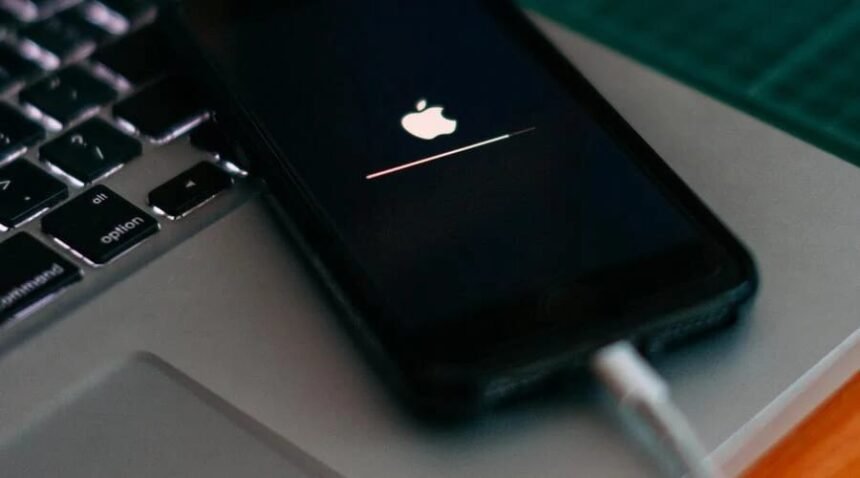
Few things are more frustrating than connecting your iPhone to a charger and discovering that the battery percentage has not moved. Sometimes the phone does not respond at all. In other cases, the charging symbol appears, but the battery takes much longer than expected to fill. Both situations can interrupt your routine, especially when you depend on your phone for work, navigation, or communication.
The good news is that when an iphone won’t charge, the problem does not always indicate a serious hardware fault. A damaged cable, an unreliable power source, dirt inside the connector, or even excessive heat can affect charging performance. Before arranging a repair or replacing accessories, it is worth working through a few basic checks.
Start by Identifying the Type of Problem
Not every charging issue has the same cause. A completely unresponsive iPhone requires a slightly different approach from one that charges slowly. Connect your phone to a reliable wall adapter and check whether the battery icon shows that power is being received. If nothing happens, inspect the cable, adapter, and power outlet. If the charging symbol appears but the percentage barely increases, the connection may be working while the power supply or charging conditions are limiting performance. Also notice whether the problem occurs every time or only with a particular cable or outlet. This small observation can help narrow down the cause without unnecessary troubleshooting.
Check the Cable, Adapter, and Power Source
Charging accessories experience regular wear. Cables get bent inside bags, connectors collect dirt, and adapters can develop faults after repeated use. Examine the cable along its entire length, paying attention to frayed insulation, exposed wires, bent connectors, or loose connections. Do not continue using visibly damaged accessories.
Next, try another wall outlet. A cable connected through a computer, vehicle USB port, or low-powered hub may receive less power than one connected directly to a suitable wall adapter. It is also useful to test the iPhone with another compatible cable and adapter that you know work properly. Change one component at a time. That makes it easier to identify whether the issue comes from the accessory or the phone itself.
When the Charging Port Is the Problem
The connector at the bottom of an iPhone can collect pocket lint, dust, and other small particles. Over time, this material may prevent the charging cable from making proper contact. Look inside the port under good lighting. If you notice accumulated debris, have it removed carefully using an appropriate professional cleaning method. Avoid inserting metal objects, sharp tools, or wet materials into the connector. These can damage delicate contacts or create additional problems.
Moisture is another possibility. If the phone displays a liquid-detection warning, disconnect the cable and allow the connector to dry naturally before trying again. Do not attempt to overcome a moisture warning simply by changing chargers.
Why Is My Phone Charging Slow?
A slow charging experience can have several explanations, even when the phone and accessories are working correctly. One common reason is insufficient charger output. A basic adapter may charge a phone, but it might not deliver the power needed for a faster charging experience. For compatible newer iPhones, a USB-C Power Delivery adapter and the appropriate cable can provide faster wired charging. Older Lightning models require a suitable USB-C-to-Lightning cable for this type of setup.
The cable also matters. Not every cable supports the same charging capabilities, even when the connector looks identical. Check its specifications rather than assuming that any USB-C cable will provide the same result. Another factor is simultaneous device use. Running demanding games, recording video, streaming content, or using navigation while charging can increase power consumption and heat. When you need a quicker charge, leave the phone idle and switch off power-intensive activities temporarily.
Understand the 80% Charging Behavior
Sometimes an iPhone appears to stop charging even though nothing is wrong. Apple’s Optimized Battery Charging feature can pause charging around 80% and complete it closer to the time you normally unplug your phone. This reduces the amount of time the battery spends fully charged. Temperature can cause similar behavior. When the phone becomes too warm, iOS may slow or temporarily pause charging to protect the battery. Move it away from direct sunlight and hot surfaces, and allow it to cool naturally. On iPhone 15 models and later, a configured Charge Limit can also prevent the battery from charging beyond a selected percentage. Check the Battery settings before assuming the device has developed a fault.
When Restarting or Updating May Help
A temporary software issue can sometimes interfere with normal charging behavior. Restarting the iPhone is a simple troubleshooting step worth trying, particularly when the phone recognizes the charger inconsistently. Check for available iOS updates as well. Software updates can address bugs and improve device behavior, although an update is not a guaranteed solution to a damaged port or faulty battery. If the phone remains completely unresponsive, follow Apple’s recommended charging and force-restart procedure for your specific iPhone model.
Know When It Is Time for Professional Help
If several reliable chargers fail, the connector looks damaged, or the battery percentage changes unpredictably, the problem may involve internal hardware. A degraded battery or damaged charging component may require professional diagnosis.
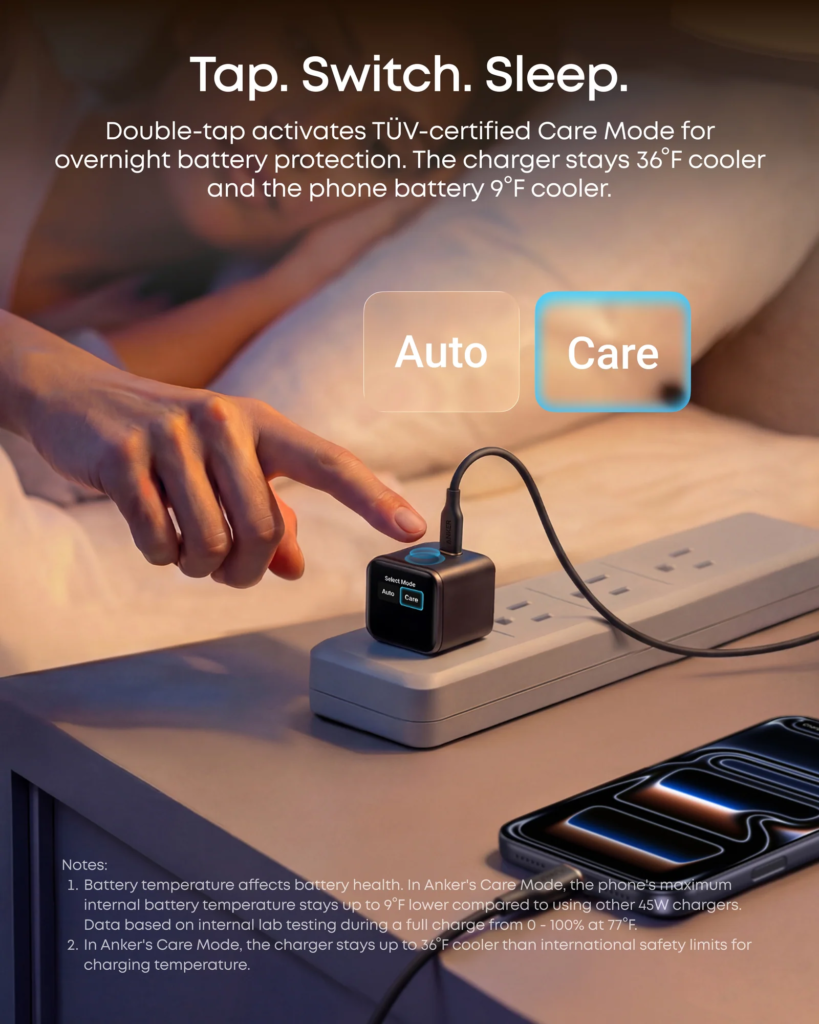
Questions such as “why is my phone charging slow” can sometimes be answered by checking Battery Health in Settings, where you can review the battery’s condition and any service recommendations. Avoid opening the device or attempting electrical repairs without appropriate experience. A qualified technician can determine whether the issue involves the battery, port, or another component. For everyday charging, using compatible accessories from established manufacturers such as Anker and keeping cables in good condition can also reduce avoidable connection problems.
Conclusion
An iPhone that refuses to charge or takes unusually long to gain battery power does not always need immediate repair. Start with the cable, adapter, outlet, and charging port before exploring software or battery-related causes. Pay attention to temperature and charging limits as well, since these features can change charging behavior intentionally. A methodical approach can help identify the real issue and prevent unnecessary accessory replacements.
FAQs
Why won’t my iPhone charge even when connected to a cable?
Possible causes include a damaged cable, faulty adapter, obstructed charging port, software issue, or internal hardware problem. Test a reliable charging setup first.
Can a weak power adapter make an iPhone charge slowly?
Yes. An adapter with limited output may take longer to charge your device than a compatible higher-output charger.
Why does my iPhone stop charging at 80%?
Optimized Battery Charging, temperature protection, or a configured Charge Limit may explain this behavior. Check the Battery settings.
Does using an iPhone while charging affect charging speed?
Yes. Demanding activities such as gaming, video recording, and navigation can consume additional power and generate heat, potentially slowing charging.
When should I replace my iPhone battery?
Consider professional battery service when Battery Health shows a service recommendation, performance becomes unreliable, or the device cannot maintain a normal charge.